





Creating a home office that balances relaxation and productivity can transform your work-from-home experience. A well-designed workspace helps you stay focused, reduces stress, and makes working from home enjoyable. Whether you have a dedicated room or a small corner, these tips will guide you in setting up an effective and inviting home office space.
Choose the Right Location
Find a Quiet Spot
Select a space in your home that is free from distractions like television noise or high traffic areas. A quiet place can help you concentrate and avoid interruptions.
Maximise Natural Light
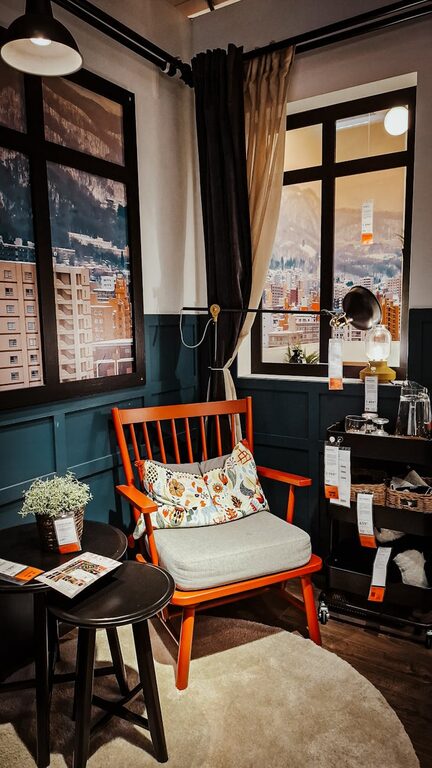
Natural light not only brightens your workspace but also boosts mood and energy levels. Position your desk near a window if possible, and consider light, sheer curtains to soften glare.
Consider Privacy
If you share your home, try to establish a spot that offers privacy during working hours. Use room dividers or screens if needed to create a dedicated zone.
Invest in Comfortable and Functional Furniture
Select an Ergonomic Chair
Comfort is key to staying productive. An ergonomic chair supports your posture, prevents back pain, and encourages longer periods of work without discomfort.
Choose a Suitable Desk
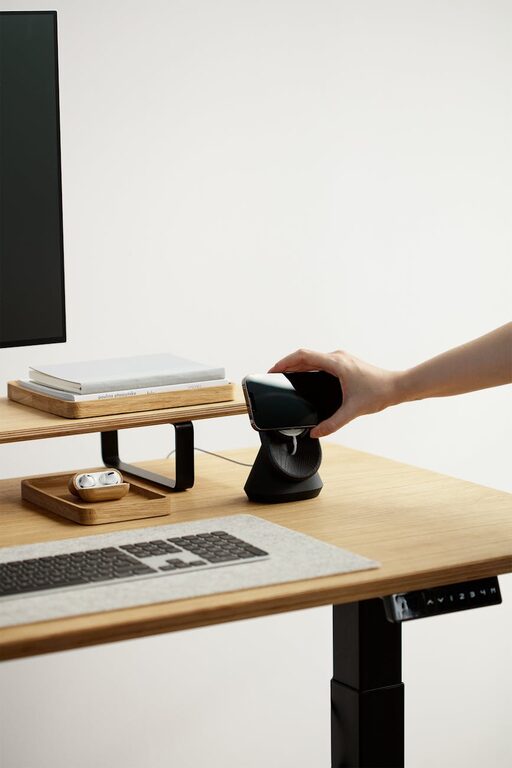
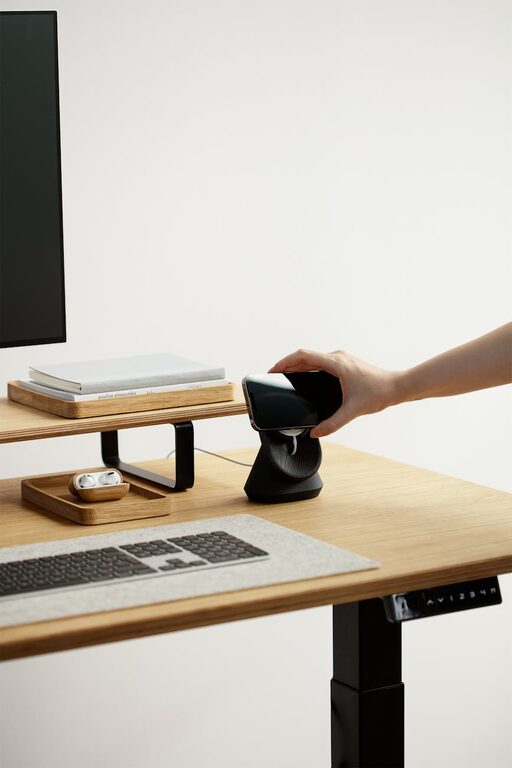
Pick a desk with enough surface area to hold your computer, stationery, and any other essentials. Adjustable desks or those that allow alternating between sitting and standing can improve health and productivity.
Organise Storage Efficiently
Use shelves, drawers, or organisers to keep clutter at bay. A tidy space helps clear your mind and makes it easier to find what you need quickly.
Create a Calming Atmosphere
Use Soothing Colours
Colours influence mood—soft blues, greens, or neutrals can promote calmness and focus. Avoid overly bright or distracting colours for walls and décor.
Add Plants
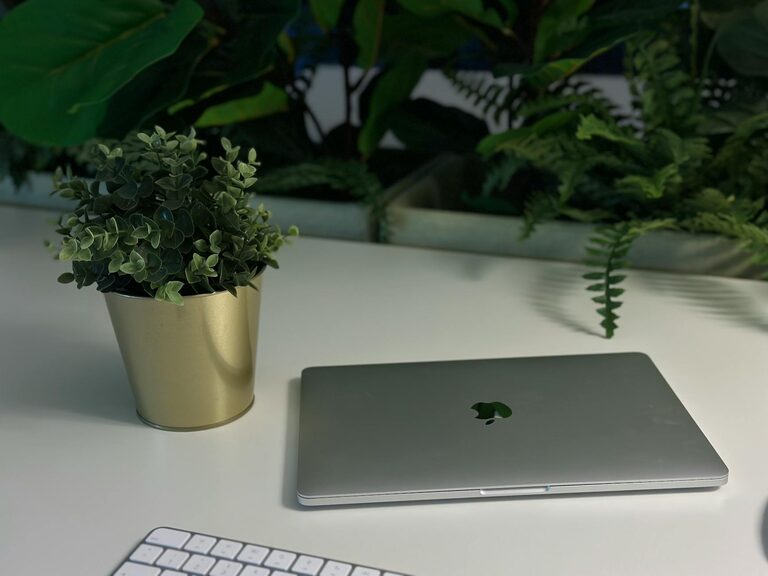
Indoor plants brighten up the room and improve air quality. They also add a touch of nature, which can be calming and invigorating.
Control Noise Levels
If external noise is unavoidable, consider using noise-cancelling headphones or playing gentle background music to mask distractions. Soundproofing curtains or rugs can also reduce noise.
Set Up Efficient Lighting
Layer Your Lighting
Combine natural light with ambient, task, and accent lighting to create a balanced setting. A good desk lamp with adjustable brightness is essential for detailed work.
Avoid Glare and Shadows
Position lights to prevent screen glare or harsh shadows on your work surface. This reduces eye strain and helps maintain focus.
Establish Clear Boundaries
Define Work Hours
Set specific work hours and communicate them to anyone you live with. This helps separate work time from personal time and reduces interruptions.
Designate a Workspace Only for Work
Avoid using your home office space for other activities like watching TV or dining. This helps your brain associate the space with work, improving concentration.
Optimise Technology and Connectivity
Ensure Reliable Internet
A strong internet connection is crucial for video calls and online tasks. Consider upgrading your router or using a wired connection for stability.
Use Wireless Accessories
Wireless keyboards, mice, and headphones reduce clutter and allow more flexible desk arrangements.
Keep Cables Tidy
Use cable organisers or clips to keep wires neat and prevent tangling. A tidy desk reduces stress and hazards.
Personalise Your Space
Add Meaningful Décor
Display photos, artwork, or souvenirs that inspire you without creating distractions. Personal touches can make the space inviting and motivating.
Use Inspirational Quotes or Vision Boards
Visual reminders of your goals can keep you motivated throughout the day.
Incorporate Comfort Items
A cosy blanket, a favourite mug, or scented candles can make breaks more enjoyable and encourage relaxation.
Prioritise Healthy Habits
Take Regular Breaks
Stand, stretch, or take a short walk every hour. Breaks refresh your mind and body, boosting productivity.
Stay Hydrated and Snack Wisely
Keep water and healthy snacks nearby to maintain energy levels without leaving your desk often.
Maintain Good Posture
Adjust your chair and monitor height to keep your spine aligned and prevent discomfort.
Keep Your Space Flexible
Adapt to Your Needs
Your home office should evolve with your work habits. Be open to rearranging furniture or updating equipment to suit changes in your routine.
Create Zones if Possible
If space allows, designate areas for different tasks—focus work, meetings, or relaxation—to help switch mindsets during the day.
—
Designing a home office that is both relaxing and productive doesn’t require a major renovation. By paying attention to lighting, comfort, organisation, and atmosphere, you can create a space that supports your best work without sacrificing your wellbeing. Start with small changes and adjust as needed to find the perfect balance for your home working life.